
Speaking
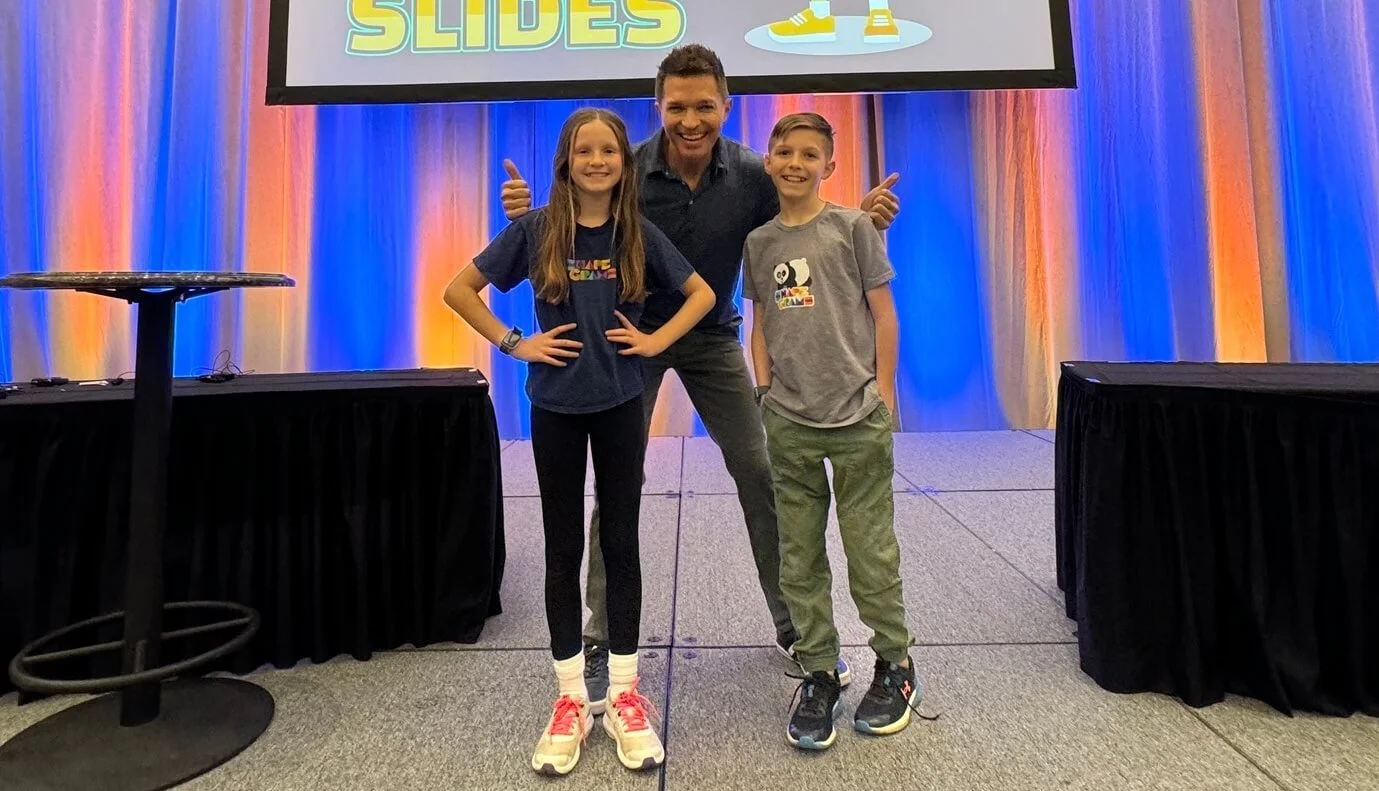
I’ve been leading professional learning for teachers for 20 years. In fact, I’ve presented at schools and conferences in nearly every U.S. state (and a few other countries).
The content in my keynotes, presentations, and workshops is based on my experience as a fifth grade teacher, school technology coach, district AI coordinator, substitute teacher, and parent. I make sure what I present is practical and doable—the last thing I want is to waste a teacher’s valuable time.
My presentations are full of examples that inspire participants to think about their practice in new ways. I take pride in crafting extraordinary experiences. That’s why my workshops burst with interactive activities, eye-catching visuals, engaging music, and dedicated work time. I read the room constantly, adjusting the pace to ensure everyone is learning. And, I can’t help myself—my presentations are peppered with dad jokes.
Contact me and we can start a conversation about what I can do for your school, district, conference, organization, or event. I’m happy to present in-person or online. Please know that I customize my presentations for each audience. Check out some of my topics below.
Electrify Any Lesson
Want to energize your teaching and spark student curiosity? In this keynote, Tony Vincent shares practical, research-backed ways to electrify any lesson, making learning more engaging, interactive, and memorable. Drawing on brain science and classroom experience, Tony highlights how curiosity, prediction, and a touch of surprise can activate students’ minds and make content stick. You’ll see how digital tools can amplify simple strategies and help you amp up your lessons with minimal prep. Expect creative twists, meaningful moments, and shockingly good ideas that will leave your students charged up and ready to learn.
You don’t have to be a programmer to make your own teaching and learning tools: just someone with an idea and the right words. In this session, Tony Vincent introduces vibe coding, an easy and creative way to build custom web-based apps by describing what you want in a prompt. With help from AI tools like Gemini, Canva, or ChatGPT, you can generate interactive activities such as math games, countdown timers, brain breaks, randomizers, and writing prompt generators without writing any code yourself. AI can turn your ideas into real, usable tools. If you can describe it, you can build it.
Vibe Coding: You Describe It, AI Creates It
See how you can build custom AI chatbots with Gemini, SchoolAI, MagicSchool, or Brisk that spark thinking, guide review, and extend understanding. Along the way, gain creative ideas to keep learners engaged and on track.
Build Your Own Chat-Venture: Teacher-Guided AI Activities for Students
The first step in teaming up with AI is understanding how this intriguing technology actually works. When you grasp AI’s capabilities and limitations, you can use it with confidence. You’ll see how combining AI’s abilities with your teaching expertise can produce personalized learning experiences, customized resources, and irresistible lesson ideas. See concrete ways that joining forces with AI can lighten your workload while bringing more joy and relevance into your classroom. Walk away inspired, informed, and empowered to make AI your go-to sidekick.
AI Sidekicks: Partnering Up with Artificial Intelligence
AI can kill learning through cognitive offloading. Let’s talk about student cheating and explore ways to design assignments that resist AI misuse. We’ll also consider how AI can be built into assignments to sustain the productive struggle that deepens learning.
Designing Assignments for the AI Era: Keep Students Thinking
Using the ACE (Awareness, Critique, Exploration) framework, let’s help students grasp what AI is, how it works, and why it matters, while addressing issues like privacy, bias, and cognitive offloading. Leave with ready-to-use resources for developing thoughtful, responsible AI users.
Acing AI Literacy: Skills Students Need Now
Let’s create stunning visuals with free online tools powered by artificial intelligence! Dig into websites for editing existing images and explore favorite sites for generating images from your prompts. Learn how applying divergent thinking to your prompting can lead to creative results. Best of all, get practical ideas for using custom illustrations for teaching and learning.
From Prompts to Pictures: Creative Illustrations with AI
The first moments of a lesson can make all the difference. Curiosity, anticipation, relevance, and novelty spark motivation and prepare the brain for learning. This session blends research-based strategies for crafting effective lesson hooks with support from AI chatbots like Gemini and ChatGPT. See examples across grade levels and discover how your expertise, paired with AI, can create engaging and memorable beginnings.
Hooking Together: Catchy Lesson Starters AI
Exit tickets are a quick way to check for understanding, guide next steps, and give every student a voice. This session shows how AI chatbots like Gemini and ChatGPT can help educators craft meaningful exit ticket questions and efficiently analyze student responses. Discover examples across grade levels and see how AI can uncover patterns, highlight misconceptions, and suggest next steps for instruction.
Smart Exits: Designing and Analyzing Exit Tickets with AI
An AI chatbot (ChatGPT, Gemini, Claude, Copilot) is like an ocean of possibilities, but staring at a blank message box can feel overwhelming. Where do you start? In this session, you’ll learn how to craft effective prompts that help you unlock a chatbot’s full potential. Through practical examples and live demonstrations, you’ll see how smart prompting can make AI a valuable classroom tool. You’ll leave with ready-to-use tips and a clear sense of how to navigate the world of AI with confidence. Let’s dive in and explore how chatbot prompting can support your teaching!
Deep Dive into Prompts an AI Chatbot
Meet Brisk: AI Where You Need It
Get AI assistance right where you work! With the Brisk Teaching Chrome extension, you’ll have a helpful sidekick ready whenever you need it—without switching tabs or leaving your browser. Plus, everything you create is automatically saved to your Google Drive. Discover how Brisk can help you generate quizzes, guided notes, discussion questions, and vocabulary lists from a webpage, YouTube video, or PDF. See how it can draft personalized feedback on student writing using your rubric as a guide. Let’s explore how Brisk Teaching can become your ultimate AI sidekick for classroom success.
Pauses in learning relieve stress, reduce cognitive overload, and strengthen social bonds. Breaks allow students to reboot so they can refocus. Let’s explore a menu of breaks that include humor, mindfulness, movement, and creativity that bring about joy, connection, and curiosity.
Digital Snacks: Breaks for Students’ Brains
Tempting Lesson Hooks
The recipe for an appetizing lesson includes hooking students right from the start. Discover a variety of simple ways to make any lesson extra special by focusing on a well-crafted hook. Great hooks connect background knowledge to the topic, build anticipation, and ignite curiosity. Tony shares low-prep hooks, including redacted text, mystery pictures, custom Mad Libs, and other creative ways to add flavor to the first bite of any lesson!
Sweet Lesson Closures
Wrapping up a lesson in a satisfying way can leave a lasting impression. Tony shares quick activities that can be used to check for understanding or emphasize key information at the conclusion of a lesson. Get your hands on grab-and-go exit tickets, question wheels, self-assessment prompts, and reflection templates—all finishing touches teachers can serve as a lesson's dessert. We don't always leave room for dessert, but after this presentation, you'll be motivated to end your lessons just as strongly as you started them.
Conversation is crucial for promoting critical thinking, deepening understanding, gaining perspective, and fostering a sense of community. In this presentation, Tony shares flavorful ways to stir up dialogue and discussion about any topic. Experience how teachers can review the content of a YouTube video, use templates that facilitate peer feedback, spin wheels to spice up vocabulary practice, and ignite deep dialogue with slow reveal graphs. With a combination of delicious discussion prompts and tech tools, you'll leave with recipes for success that can help you engage all students in meaningful conversations.
Cooking Up Classroom Conversations
Powerful Projects
Some of the best learning projects set out to make a dent in the universe. That dent might be big or small, but knowing their projects are making a difference in the world is great motivation for students to push themselves toward deeper learning. Tony Vincent is ready to share important ideas for making student projects powerful, which include making a difference, encouraging student ownership, and having an authentic audience.
From ready-made files to custom designs (even with AI), discover how teachers can mix creativity with everyday practicality using 3D printing for classroom life and learning. Have a printer? Leave inspired. Don’t? You’ll find plenty of reasons to get one!
Printspiration: 3D Ideas You’ll Want to Copy
Vocabulary Comes Alive
Learning academic terms and phrases doesn’t have to be boring. In fact, learning new words should be exciting and fun! It’s time to start looking at digital ways to expand students’ vocabulary. Let’s explore apps and websites that are so irresistible, students can’t help but be motivated to learn. We’ll take a good look at representing words visually, creating multimedia, and playing games. Yes, the technology can be mesmerizing, but it’s important to use techniques and strategies proven to work. That’s why pairing technology with Robert Marzano’s Six Steps for Vocabulary Instruction is a powerful combination.
Steal the show when you make visually stunning videos with Canva for Education! Whether starting with a template or from scratch, you might be surprised at what teachers and students can create. Learn how to trim out mistakes, zoom to focus attention, add picture-in-picture, insert sound effects, cut to compelling visuals, and end music at just the right moment. Tie it all together with animations, and find out ways to share your movie masterpieces.
Bravo! Edit Video Like a Pro with Canva
Google Forms Awesomeness
Google Forms is awesome, but you already knew that. It’s great how responses feed directly into a spreadsheet for easy access and analysis. You can create assessments, surveys, checkout forms, and quizzes for students. You can also poll colleagues, collect information from parents, and keep logs. If you dig into the settings, you can do even more! Let’s take a look at things like limiting response length, pre-filling responses, tweaking confirmation messages, locking a form with a passcode, and authoring interactive stories.
Get ready to think outside the checkbox! Discover creative and unexpected ways to use Google Forms that captivate students and impress colleagues. From quiz game buzzers to Choose Your Own Adventure stories, this session will spark ideas for adding fun, flair, and functionality to your forms.
Funky Forms: Offbeat Ideas for Google Forms
Students and teachers can tell stories, define vocabulary, explain phenomena, demonstrate math problems, and so much more through stop motion animations. These kinds of animations can be created by making incremental changes between slides and playing them back quickly. The slides can have images, shapes, and text, and Tony has some tricks up his sleeve for making the animations extra awesome. After seeing how to create animations frame-by-frame, learn how to share as self-playing links, videos, and animated GIFs.
Animated Learning with Google Slides
Canva is a versatile design tool that simplifies the process of creating documents. Often Canva creations remain digital and never leave a computer screen. However, there’s something majestic about being able to create, touch, and share printed productions. These kinds of creations can be dreamy for teachers to get instructional materials into the hands of students. They can also be an enchanting way for students to share and show learning. Let’s explore swoon-worthy templates for making zines, door hangers, dice, envelopes, and other tangible products.
Prints Charming: Preparing Printables with Canva
Word Art Workshop
Make your documents, presentations, and graphics stand out. Word art in Google Slides can be styled in many creative ways. Combining fonts, fills, borders, shadows, and layers can make for eye-popping titles and text. Word art creations can be saved as images and used anywhere you want to grab attention.
Curb Appeal with Google Sites
Google Sites is an incredible way for teachers and students to build and publish websites. Let's examine example sites so that you can get ideas for adding function and flair to your own home page. You'll see stylish headers, animated buttons, various layouts, custom graphics, dynamic media, and other ways to make a website extra attractive.
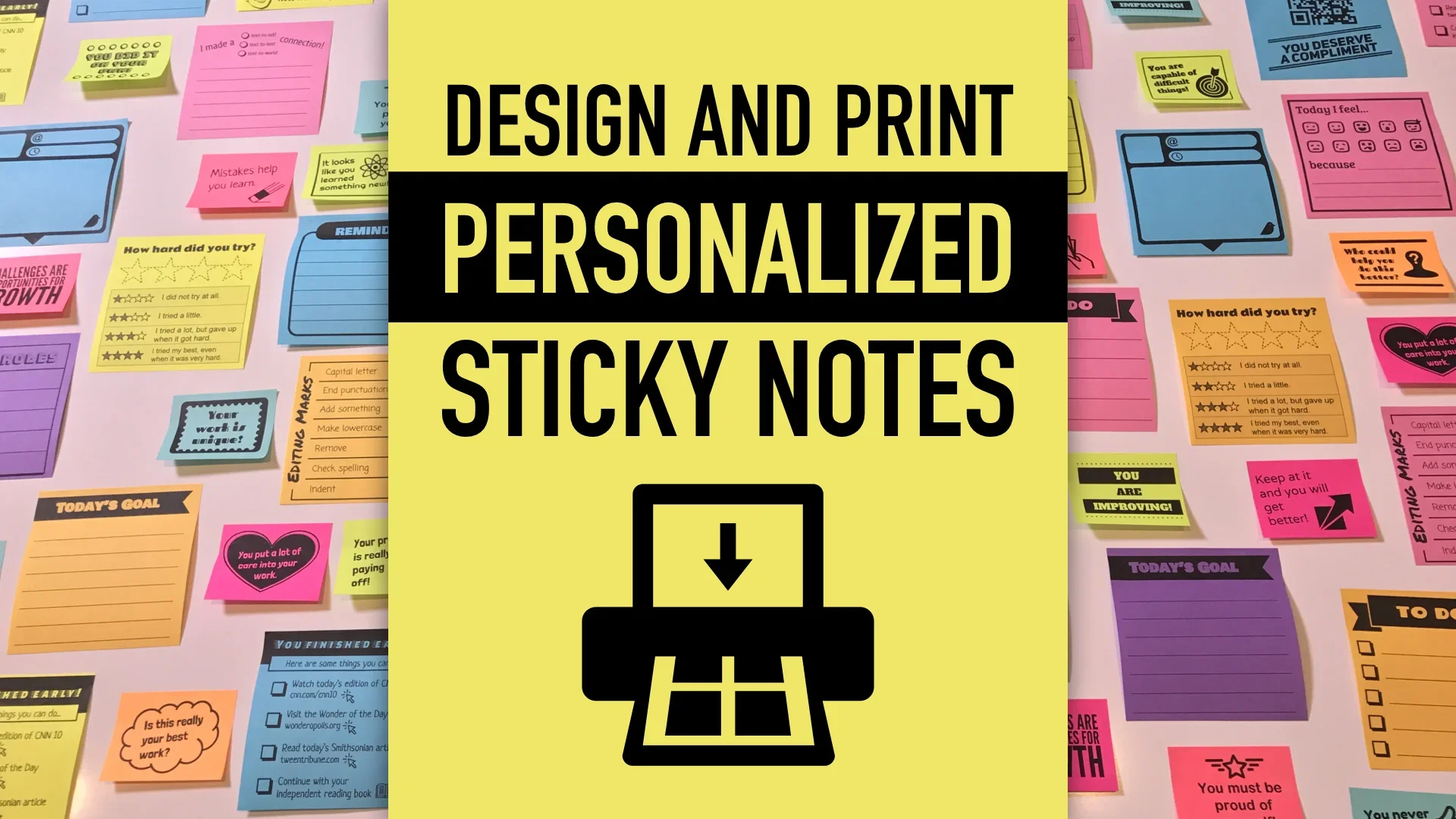
Did you know you can print on sticky notes using your computer’s printer? It’s true! And, you can design your own customized sticky notes in an online app you already know how to use: Google Slides or Canva! Examine loads of examples of educator-designed sticky notes and see demonstrations of design techniques to make your notes look absolutely awesome when printed.
Design and Print Personalized Sticky Notes
Crafting a Class Brand
Tony Vincent didn’t want his class to be known as Mr. Vincent’s Fifth Grade. Rather than making himself the mascot, he co-developed a class identity with his students. His class named themselves Pixel Paws. Tony notes that when students rally around an authentic brand, they feel a strong sense of community, work harder, and achieve more. See the brand in action, understand how it was developed, and consider how you might give your class, club, or team a unique identity.
Teachers of all grade levels can sweeten their lessons with the help of Artificial Intelligence (AI). A growing number of websites offer teachers AI-powered tools for lesson planning, differentiating, communicating, and assessing. AI is an exceptional brainstorming partner, and, when combined with a teacher's expertise, can produce delightful content, engaging activities, and instructional resources. We'll explore free tools for crafting clever learning activities, developing thoughtful questions, authoring relevant story problems, reinforcing vocabulary, and generating rubrics. While the intelligence may be artificial, the results are real.